Enlarge an image to the exact size you need
Type the width and height you want and get a file at exactly that size. No cropping, no stretching, no invented detail. It runs entirely on your own machine, fully offline, so your photos never leave your device.
What is ExactUpscale? A free image upscaler that enlarges a photo to exact pixel dimensions while keeping its original shape and content. Instead of a fixed 2x or 4x multiplier, you type the width and height you need and get a file at exactly that size, with no cropping, no stretching, and no invented detail. Everything is processed locally on your own device, fully offline, so your photos never leave your machine and no internet connection is needed.
Most upscalers pick the size for you. This one lets you pick it.
A typical image upscaler offers a fixed multiplier, like 2x or 4x, and then stretches or crops the result to reach whatever size you actually needed. That damages the photo: faces get squashed, edges get cut off, small text turns to mush. ExactUpscale works the other way around. You state the exact dimensions first, and the engine enlarges the photo to reach those dimensions while leaving the content untouched.
| What you need | Most free upscalers | ExactUpscale |
|---|---|---|
| A file at exactly 3840x2160 pixels | Give a 2x or 4x result, then stretch or crop to fit | Target the exact size directly, no distortion |
| Keep the photo's original proportions | Often squashed or cropped to reach the target | Aspect ratio always preserved |
| Keep the whole composition intact | Edges and detail can be lost to cropping | Full frame kept, nothing cut off |
| Process privately, offline | Usually uploads the photo to a server | Runs locally and offline; the photo never leaves your machine |
Compared with other desktop tools
Tools like Upscayl are strong but offer a fixed 2x or 4x multiplier and lean on a compatible GPU. Paid tools like Topaz Gigapixel are subscription software. ExactUpscale targets the exact size you need, runs fully offline, and works on your CPU or your GPU, with a free version and no account.
See the difference
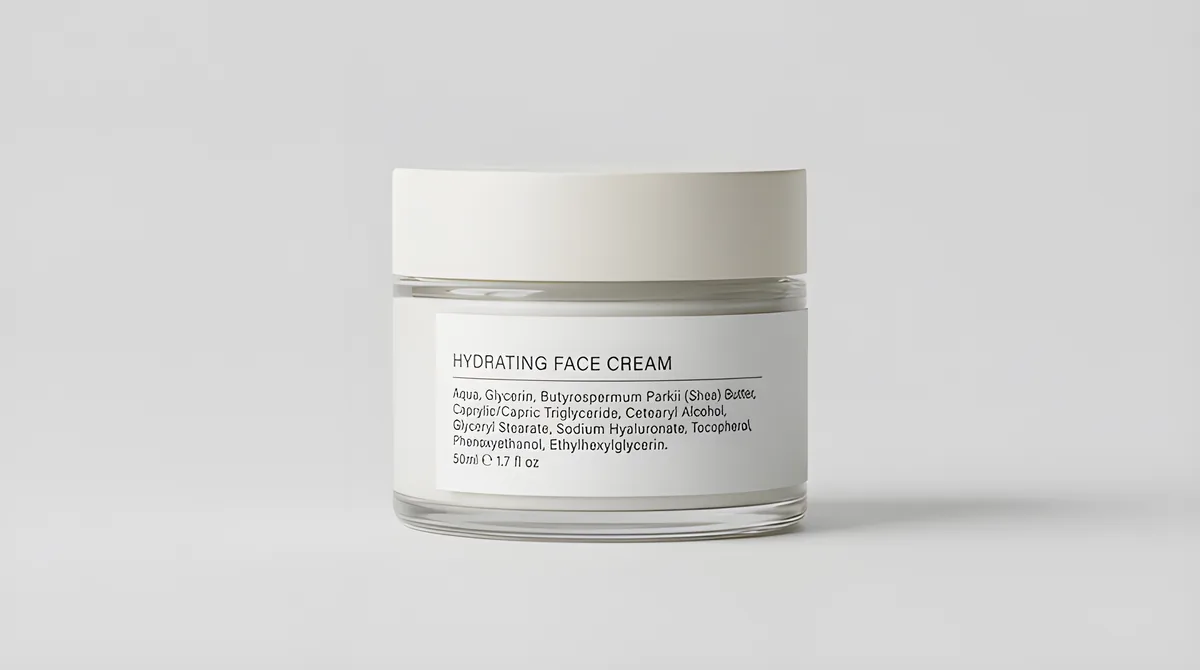
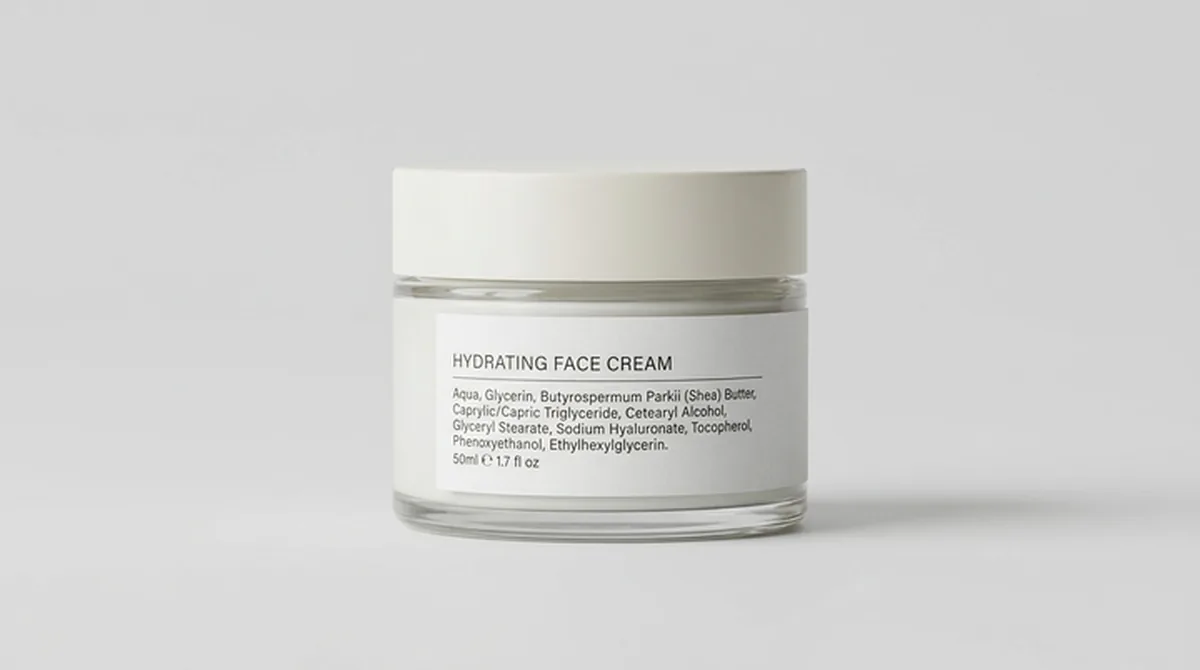
Real ExactUpscale output. Drag the handle to compare the original with the enlarged result. These examples were produced by the app itself, so what you see here is what it does to your photo.
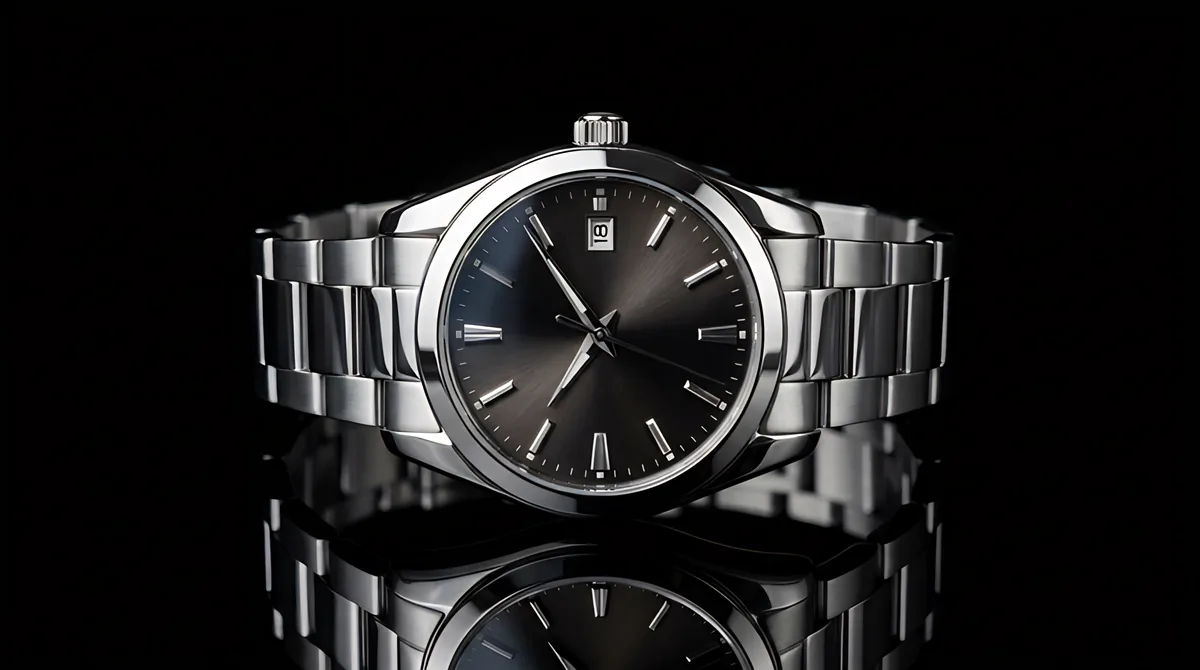
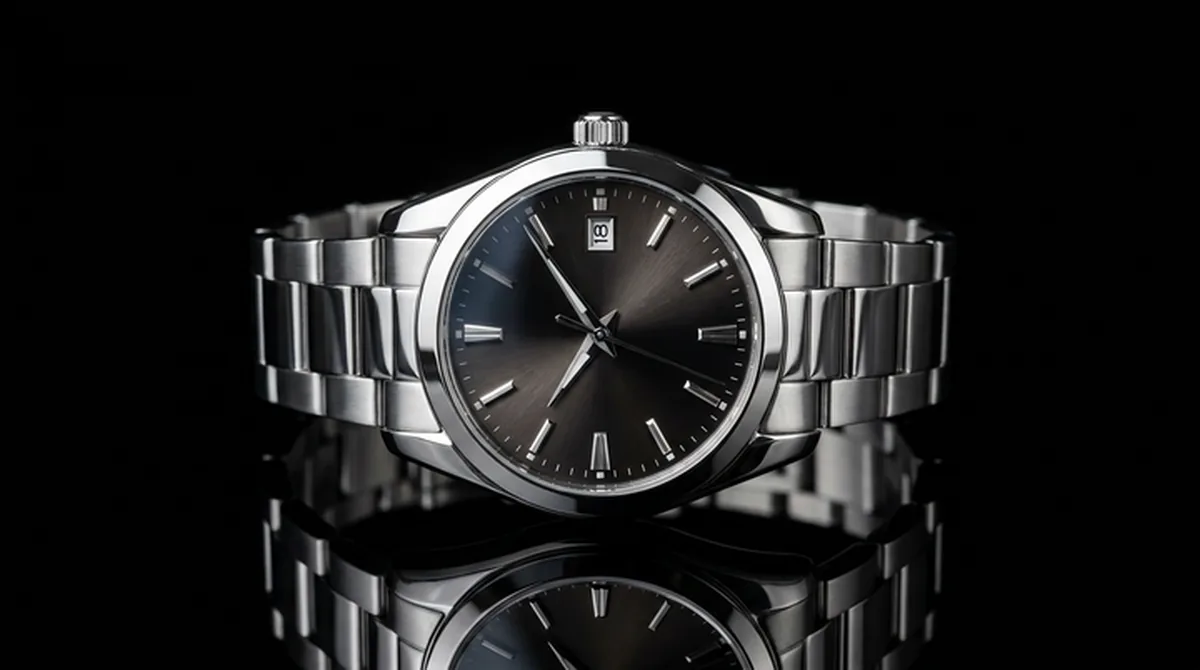
Want to see it on your own photo? Download the free app and try it, it runs privately on your device.
Download the free appBuilt around one promise: get the size you asked for
Exact dimensions
State the target width and height in pixels. The output file has those dimensions, not a vague multiple of the original.
No cropping, no stretching
The engine enlarges the whole photo and keeps its proportions. Content is never squashed and edges are never trimmed to force a shape.
Real detail, not blur
A neural network trained for photo enlargement adds genuine detail instead of smearing pixels apart, which is what simple resampling does.
Private and offline
Your photo is processed on your own machine and never uploaded. It works fully offline, with no internet connection, no account, and no tracking.
Two quality modes
A fast mode for everyday photos and a slower max-quality mode for cases where every detail matters.
Common formats
Presets for 4K, Full HD, Instagram, YouTube, and A4 print, or type any custom size. Input handles JPEG, PNG, WebP, and HEIC (iPhone photos).
How it works
Set the target size
Enter the width and height in pixels, or click a preset for a common format such as 4K, Full HD, Instagram, YouTube, or A4 print.
The engine enlarges the photo
A local neural network, trained specifically for enlarging photographs, adds real detail as it scales. It works in tiles so large images stay fast and memory use stays low.
Download the result
You get a file at the exact size you requested, ready to use as a website background, a print file, a social post, or a product photo.
Who this is for
Anyone with a photo that is too small for what they need to do with it.
Simple pricing. Start free.
Use the full-featured free version for as long as you like. Upgrade to Pro when you need any resolution, the max-quality model, batch processing, or commercial use.
Free
- Single images
- Up to 2K on the long side
- Fast model
- Personal use
- Fully offline and private
Pro
- Any resolution
- Max-quality model
- Batch processing
- Commercial use
- New versions while subscribed
Lifetime
- Everything in Pro
- One payment, no renewal
- Current major version + minor + bugfix
- Commercial use
Secure checkout by Stripe. Prices include VAT where applicable. See the Right of Withdrawal & Refund Policy.
Frequently asked questions
What does exact size mean, and what if my photo has a different shape?
Exact size means the output file has the pixel width and height you typed. If your photo's shape does not match that target, ExactUpscale keeps the photo's own shape and fits it inside the target box, so nothing gets stretched or cut off. If you need the file to be exactly that size regardless, choose the padding option and the remaining area is filled with a color you pick.
Does this crop or stretch my photo?
No. Cropping removes part of the photo and stretching distorts it. Neither happens here. The engine enlarges the whole photo and preserves its original proportions.
How is this different from a 2x or 4x button?
A 2x or 4x button returns a file at a fixed multiple of the original. ExactUpscale returns a file at the exact dimensions you request, which is what a website, print job, or upload form usually actually requires.
Can it read small text in my photo?
Large text, such as a brand name on a product, usually stays readable after enlargement. Very small fine print can become blurry if the original photo is low resolution, because that detail was never captured in the first place. For photos where small text matters, start with the highest resolution source you have.
Where is my photo processed?
On your own machine, fully offline. The image is never uploaded to a server or a third-party service; it is enlarged locally and stays on your device.
Does it work offline? Do I need an internet connection?
No internet needed. Once the tool is running, everything happens locally on your machine, so it works fully offline. Your photos are never sent anywhere.
What image formats are supported?
JPEG, PNG, WebP, and HEIC (iPhone photos) for input. The result is delivered as WebP, which keeps the file small and the quality high.
Is this free?
There is a full-featured free version with no time limit, so you can use it for as long as you like. A Pro version unlocks any resolution, the max-quality model, batch processing, and commercial use. There is no account and no internet required.
Why does the max-quality model take longer?
The max-quality model simply does more work per image to recover the finest detail, especially at larger sizes. For most images the Fast model is the right choice and finishes in seconds. Save Max for precious photos and print jobs where every bit of detail matters.
The result looks just like my original. Is it working?
That is a good sign: a faithful enlargement should look exactly like your photo, just with more pixels. Drag the before-and-after slider onto a detailed area such as hair, fabric, or a logo and compare at full size. The app also shows the exact output size next to the source size, so you can confirm the file really grew.